


Smart Thermostat Repair in Walnut Creek, CA

Smart Thermostat Repair in Walnut Creek, CA
Keeping your smart thermostat working reliably is essential for comfort and energy savings in Walnut Creek homes. With warm, dry summers and mild winters, precise temperature control and smart scheduling make a real difference on your cooling bills. But when your thermostat loses Wi-Fi connection, displays incorrect readings, or stops following your schedule, that efficiency disappears fast. Common issues include connectivity problems, sensor calibration drift from our climate swings, and compatibility conflicts with HVAC systems. Air Flow Pros diagnoses these problems quickly, repairs what can be fixed on-site, and helps you decide when replacement makes more sense than keeping an unreliable unit limping along.
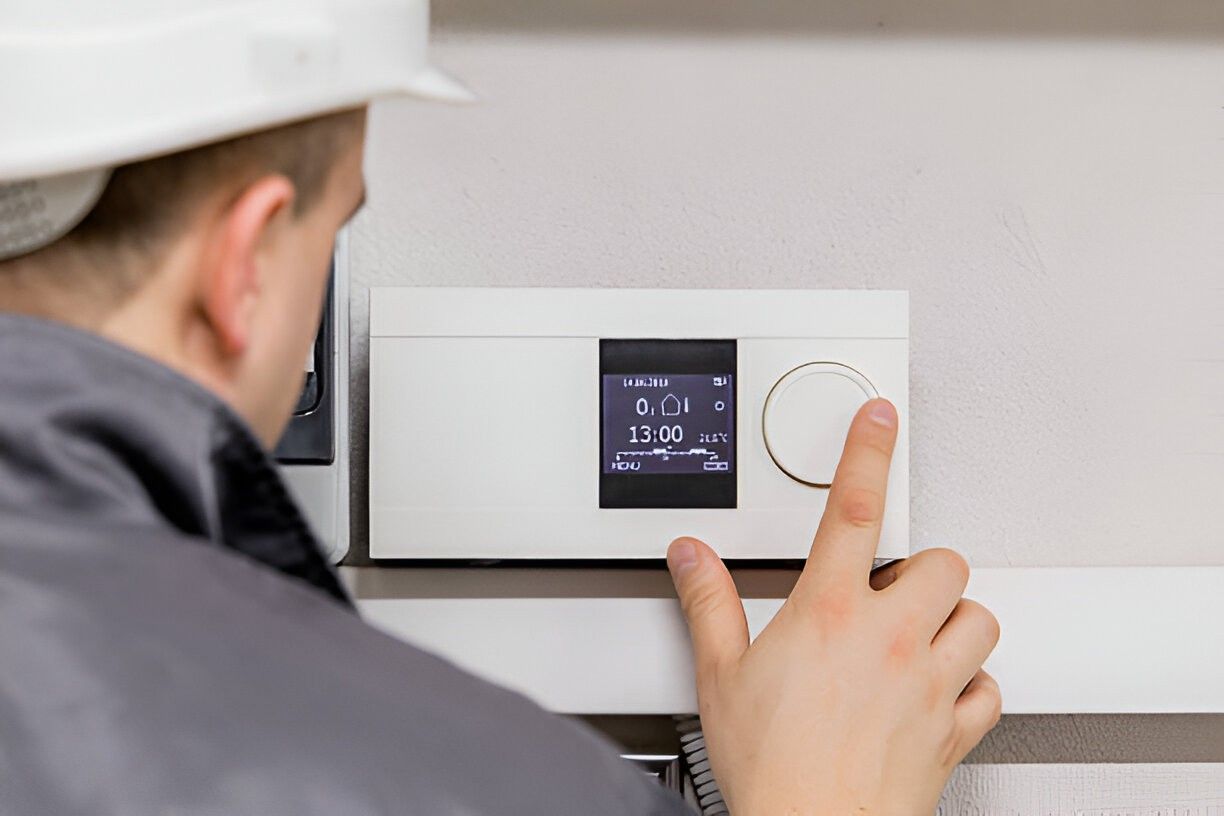
Why timely smart thermostat repair matters in Walnut Creek, CA
Smart thermostats control heating, cooling, zoning, and energy reporting. When they lose connectivity, misread sensors, or fail after a firmware update, you can face higher energy bills, uncomfortable rooms, and unreliable remote control. In Walnut Creek, where afternoon heat spikes and evening temperature drops are common, timely repair ensures systems respond correctly to occupancy patterns, local weather, and demand-based utility programs.
Common smart thermostat issues in Walnut Creek homes
- Wi-Fi or cloud connectivity failures: Intermittent Wi-Fi, router placement, or modem updates can disconnect thermostats from their cloud services. This prevents remote control, schedules, and software syncing.
- Power problems and C-wire issues: Many smart thermostats require a constant 24V common wire (C-wire). Older Bay Area homes or retrofits often lack a proper C-wire or have weak transformer voltage, causing resets or battery drain.
- Sensor and calibration errors: Built-in or remote sensors can drift, report inaccurate temperatures, or stop reporting entirely, causing uneven heating or cooling across rooms.
- Firmware and software glitches: Failed or interrupted firmware updates can brick a thermostat or introduce bugs that affect scheduling and integration.
- Compatibility problems with HVAC systems: Multistage systems, heat pumps, and zoned systems require correct wiring and configuration; miswired installations can trigger system faults.
- Physical damage or worn components: Touchscreens, relays, or internal boards can fail from age, thermal stress, or power surges.
- Smart-home integration issues: Problems syncing with voice assistants, home hubs, or third-party apps can stem from account, API, or local network conflicts.
Professional diagnostic process
Effective repair starts with a methodical diagnostic tailored to Walnut Creek homes and local installation patterns.
- System and site assessment
- Verify thermostat model and firmware version.
- Inspect physical condition, mounting location, and proximity to direct sun, vents, or drafts typical in Walnut Creek floorplans.
- Power and wiring checks
- Measure incoming transformer voltage at the control board, confirm C-wire presence and continuity.
- Test for shared circuits or intermittent power that could cause resets.
- Network and cloud diagnostics
- Check local Wi-Fi signal strength at the thermostat, confirm router settings, and verify cloud service connectivity.
- Inspect account links and hub configurations for third-party integrations.
- Sensor and HVAC interaction testing
- Compare thermostat readings to independent thermometers and check remote sensor communication.
- Run heating and cooling cycles to confirm proper relay operation and stage sequencing on multistage systems.
- Firmware and software review
- Confirm firmware health, identify failed update attempts, and use manufacturer tools to reinstall or roll back firmware when supported.
- Data backup and configuration audit
- Export schedules, settings, and scenes when possible before any repair action that risks losing configuration.
Typical repair and troubleshooting solutions
- Restore reliable power: Add or wire a proper C-wire, install a power extender kit when appropriate, or replace a weak transformer to stabilize 24V power.
- Replace failed components: Swap out defective relays, screens, or thermostat boards with OEM parts when repairable.
- Update or reinstall firmware: Safely update firmware using manufacturer tools, or reinstall a stable build to clear software corruption.
- Reconfigure HVAC staging: Reprogram thermostat to match the system type, heat pump settings, and zoning controllers found in Walnut Creek homes.
- Resolve network issues: Improve Wi-Fi with range improvement, switch to a less congested band, or adjust router firewall and DNS settings for stable cloud access.
- Sensor recalibration or replacement: Recalibrate built-in sensors or replace remote sensors for accurate multi-room control.
- Seamless configuration transfer: Back up settings and move schedules and integrations to a repaired or new thermostat to preserve preferred programs.
Repair versus replacement: making the right choice
Consider repair when:
- The issue is isolated to wiring, a replaceable component, or a recoverable firmware error.
- The thermostat model is still supported with firmware updates and replacement parts are available.
- You want to retain saved schedules, custom settings, and third-party integrations.
Consider replacement when:
- The thermostat is several generations old and no longer receives firmware support.
- Multiple failure modes occur and the cost of parts plus labor approaches the price of a modern unit.
- Your system is being upgraded (zoning, new heat pump, or increased smart-home integration) and a newer thermostat offers better compatibility and energy features.
When swapping to a new unit, technicians can handle secure transfer of schedules and preferences to minimize setup time and preserve your energy profiles.
Data backup, privacy, and configuration transfer
- Export and save schedules, Wi-Fi settings, and account links before repairs that risk data loss.
- Use manufacturer account tools where available to preserve cloud settings and device history.
- When transferring configurations to a new thermostat, verify linked smart-home accounts and reset two-factor authentication if needed to maintain security.
Service guarantees and post-repair validation
Professional repair includes validation steps:
- Full system performance test across heating and cooling modes and zones.
- Confirmed Wi-Fi and cloud connectivity with remote-control testing.
- Sensor accuracy checks and a walkthrough of restored schedules or transferred settings.
- Clear documentation of replaced parts, firmware versions installed, and any follow-up recommendations.
Many repair services offer short-term warranties on parts and labor and will provide written notes on what was corrected and why. This ensures continued reliability during Walnut Creek’s seasonal temperature swings.
Practical tips to keep your smart thermostat reliable
- Keep routers and firmware up to date to prevent security and connectivity problems.
- Avoid mounting thermostats in direct sunlight, near vents, or behind doors where airflow is restricted.
- Check thermostat batteries periodically and monitor for low-voltage warnings.
- Schedule periodic professional checkups when you change seasons to catch wiring or sensor drift early.
- Keep account credentials and linked devices documented to simplify restores or replacements.
Smart thermostat repair in Walnut Creek, CA restores comfort, reduces wasted energy, and keeps your smart-home features dependable. Whether the issue is a wiring upgrade, firmware recovery, or sensor replacement, a systematic diagnostic and repair approach preserves your schedules, data, and system performance while accounting for local climate demands and home wiring realities.
Service Areas

