


Smart Thermostat Repair in San Rafael, CA
Smart thermostat repair in San Rafael, CA: diagnose, repair, and maintenance tips to restore connectivity and energy savings. Learn more.

Smart Thermostat Repair in San Rafael, CA
Smart thermostats are central to home comfort and energy savings in San Rafael, CA, where mild coastal temperatures, morning fog, and afternoon sunshine create rapid swings between cool and warm conditions. When a thermostat stops responding, misreads temperatures, or loses app connectivity, the result can be wasted energy, uneven comfort across rooms, and frustration with schedules or geofencing. Air Flow Pros can help you choose a system that fits your home.
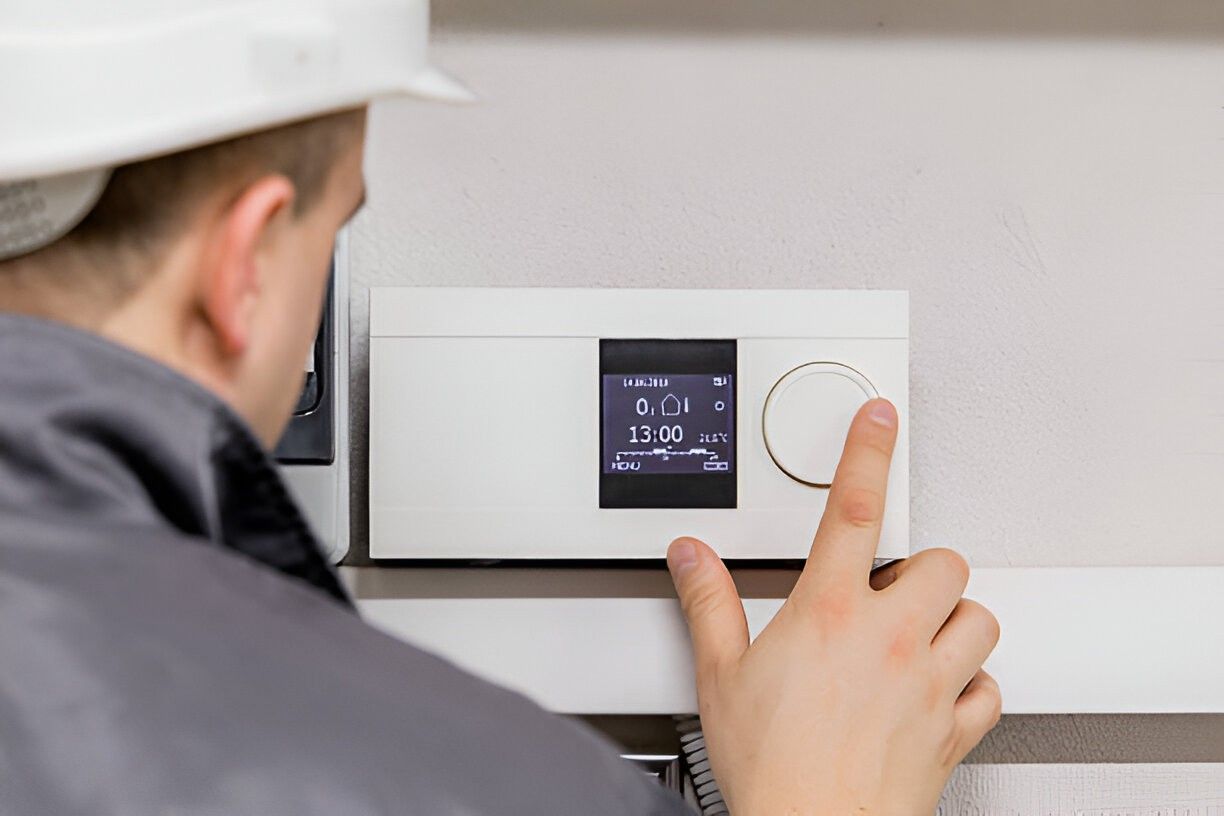
Why timely smart thermostat repair matters in San Rafael
- San Rafael homes often rely on precise thermostat control to balance heating and cooling across microclimates in the city.
- Faulty thermostats can cause short cycling, higher utility bills, and unnecessary wear on furnaces and heat pumps.
- Restoring reliable scheduling, remote access, and sensor accuracy preserves the expected energy savings from smart controls.
Common smart thermostat issues in San Rafael
- Connectivity problems
Thermostat drops Wi-Fi or fails to reconnect after router upgrades, mesh network changes, or password updates. Many Bay Area homes use mesh systems that shift devices between bands, which can confuse thermostats that prefer 2.4 GHz. - Sensor errors and inaccurate temperature readings
Sensors placed in direct sunlight, near vents, or behind furniture can report wrong temperatures. Internal sensor drift over time also causes incorrect HVAC cycling. - Power and wiring faults
Missing or weak C-wire, loose terminal connections, corroded wires (more likely in coastal or humid locations), or transformer issues on the control board. - Software and firmware issues
Outdated firmware, failed updates, or cloud-account authentication problems can disrupt schedules, geofencing, or remote control features. - Schedule and automation failures
Schedules not following set points, geofencing not recognizing occupants, or scenes and integrations with smart home systems failing. - Physical damage or aging hardware
Faulty relays, damaged touchscreens, or wear from decades in older homes that have undergone multiple HVAC upgrades.
How a professional diagnostic works
Technicians use a structured, non-technical approach to identify the root cause quickly:
- Initial symptom check
- Review the issue with you: when the problem started, recent router or HVAC changes, or visible error messages.
- Visual and power inspection
- Open the thermostat to check wiring color codes, terminal tightness, battery condition, and visible corrosion or damage.
- Wiring diagnostics
- Test for a proper C-wire supply and measure voltage at the thermostat and the HVAC control board to confirm transformer output and relay operation.
- Connectivity and network check
- Verify Wi-Fi signal strength, band compatibility (2.4 GHz vs 5 GHz), router settings, IP conflicts, and whether mesh roaming or firewall settings are blocking the device
- Sensor and calibration checks
- Compare thermostat temperature against a calibrated thermometer and inspect sensor placement and firmware sensor calibration.
- Software, cloud, and app validation
- Confirm firmware version, attempt controlled updates, and check cloud account validity and third-party integrations (voice assistants, home automation hubs).
- System integration test
- Run the HVAC through a full control sequence to observe how the thermostat commands heating or cooling stages and to detect short cycling or staging errors.
Typical repairs and solutions
- Restore Wi-Fi and app connectivity
Reconfigure network settings, connect the thermostat to the correct band or static IP, and resync accounts and schedules. For mesh networks, technicians can set devices on a consistent SSID or create a dedicated guest band for smart devices. - Wiring repair and C-wire solutions
Tighten terminals, replace corroded wires, run a new C-wire when feasible, or install a compatible power extender or adapter for models that allow it. - Firmware and software updates
Apply manufacturer firmware updates, reinstall device apps, and ensure cloud services and integrations are reauthorized. - Sensor recalibration or relocation
Reposition the thermostat away from direct sunlight or vents, or replace faulty internal sensors. In multi-zone homes, technicians may add remote sensors for better averaging. - Replace faulty components
Swap out relays, displays, or boards when hardware fails but the thermostat model is still supported. Repairs focus on preserving original automation and schedules where possible.
When replacement is recommended
- End of manufacturer support
If the thermostat no longer receives firmware updates or the maker has discontinued cloud services, replacement is safer for security and reliability. - Repeated hardware failures
Multiple repairs within a short period usually indicate aging components; replacement reduces long-term costs and downtime. - Incompatibility with updated HVAC equipment
New heat pumps, multi-stage systems, or zoning upgrades may require a newer thermostat with specific compatibility. - Missing desired features
If you need advanced zoning, adaptive learning, or modern integrations (native support for current voice assistants, energy reporting), a newer unit may deliver better savings and convenience.
Maintenance tips to prevent future problems
- Keep firmware and apps up to date to benefit from bug fixes, security patches, and improved integrations.
- Maintain stable Wi-Fi: assign a consistent SSID, avoid frequent router name or password changes, and place mesh nodes to ensure steady 2.4 GHz coverage where thermostats are mounted.
- Inspect wiring annually during routine HVAC tune-ups to catch loose terminals, corrosion, or weakened screws. Coastal humidity can accelerate terminal corrosion in Marin County homes.
- Check thermostat placement: avoid direct sunlight, drafty exterior walls, or locations near vents and kitchen heat sources.
- Use remote sensors for tricky layouts: San Rafael homes with varying exposures benefit from sensors in cooler north-facing rooms or sunny south-facing rooms to even out comfort.
- Secure accounts and devices: enable strong passwords and two-factor authentication where available to protect remote access and schedules.
- Battery checks: for battery-backed models, replace batteries annually and monitor low-battery alerts.
CUSTOMER TESTIMONIALS
See what our customers have to say about their experiences and the comfort we’ve brought to their homes.
Service Areas
We proudly provide reliable HVAC services to homeowners across our local service areas.
Thank you! Your submission has been received!
Oops! Something went wrong while submitting the form.

