


Smart Thermostat Repair in San Mateo, CA

Smart Thermostat Repair in San Mateo, CA
Smart thermostats are central to home comfort and energy savings in San Mateo, CA, where mild coastal conditions and occasional inland heat spikes create variable HVAC demand. When a smart thermostat misbehaves—losing connectivity, showing inaccurate temperatures, or failing to pair with your app—it affects comfort, utility costs, and even equipment life. Air Flow Pros can help you choose a system that fits your home.
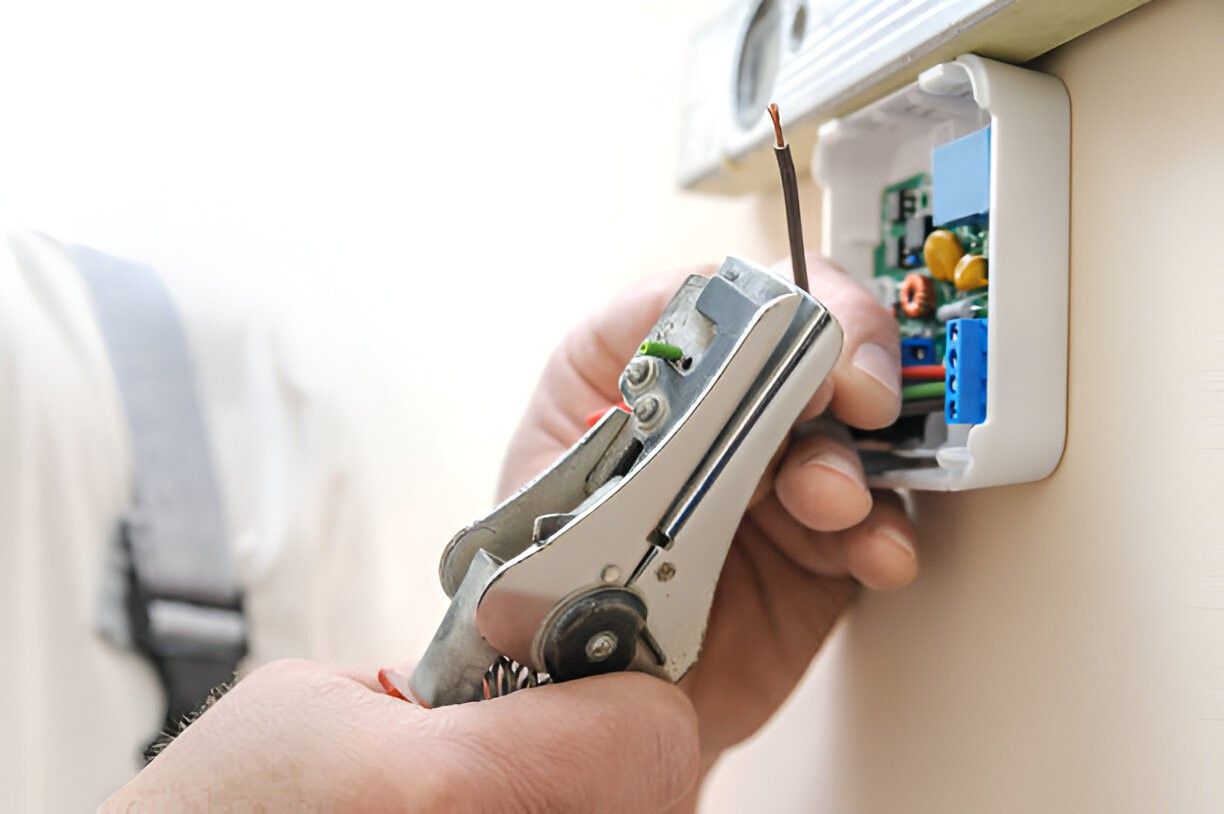
Common smart thermostat issues in San Mateo and what causes them
Connectivity and app pairing failures
- Causes: weak Wi-Fi signal, home network changes, router location (many Bay Area homes have mesh systems), ISP outages, cloud service interruptions, or app account mismatches.
- Symptoms: thermostat shows “offline,” cannot be controlled remotely, or app repeatedly asks to re-pair.
Intermittent thermostat reboots or blank screen
- Causes: insufficient power (missing C-wire or weak power-stealing behavior), faulty transformer or HVAC control board voltage, or failing internal components.
- Symptoms: thermostat powers down, reboots randomly, or cannot sustain network connection.
Inaccurate temperature readings or short-cycling
- Causes: poor thermostat placement (near sunlit walls, kitchens, or drafts), failed internal sensors, calibration drift, or duct/HVAC performance issues.
- Symptoms: thermostat reports temps different from room reality, HVAC runs too frequently or not long enough.
Sensor and zoning problems
- Causes: wireless remote sensors out of range, battery depletion, firmware mismatch, or interference from home electronics.
- Symptoms: room-to-room comfort imbalance, sensors not showing in app, or inconsistent readings.
Firmware and software bugs
- Causes: outdated firmware, interrupted updates, or compatibility issues between thermostat firmware and mobile app/cloud services.
- Symptoms: features missing, scheduling errors, or app crashes.
Security and privacy concerns
- Causes: default passwords, unsecured Wi-Fi, outdated firmware, or third-party integrations with lax privacy settings.
- Symptoms: unexpected account access, excessive data sharing, or unauthorized integrations.
How a professional diagnostic and repair process works
- Initial remote check: Confirm firmware version, cloud/service status, and whether the thermostat is visible on the network. Remote checks eliminate unnecessary visits when issues are network- or cloud-based.
- On-site inspection: Verify thermostat installation, wiring (presence of a reliable C-wire or power adapter), measure control voltage at the thermostat base, and check HVAC control board for anomalies.
- Sensor and environment verification: Compare readings with a calibrated handheld thermometer, review thermostat placement versus San Mateo microclimate factors (fog, coastal drafts, sun exposure), and test remote sensors.
- Firmware and pairing: Apply firmware updates, re-pair device to app accounts, and test integrations (Google, Apple HomeKit, Amazon, or proprietary vendor apps).
- Repair or replace decision: If component-level repair is feasible (sensor module, display, or relay), technicians will proceed. When internal electronics or repeated firmware failures are present, replacement is often the more reliable long-term choice.
Replacement options and compatibility
- Major ecosystems supported: Nest/Google, Ecobee, Honeywell, Trane and other manufacturer platforms—choose a thermostat that integrates with your smart home preferences (HomeKit, Google Assistant, Alexa).
- Power considerations: Many modern smart thermostats require a dedicated C-wire or a compatible power adapter. For older San Mateo homes without a C-wire, options include installing a C-wire, using an adapter, or selecting a thermostat that supports power-stealing designs—each choice has tradeoffs for reliability.
- Zoning and multi-stage HVAC: Ensure the replacement supports multi-stage heating/cooling, heat pumps, or zoned systems; if your home has multiple thermostats, coordinated installation avoids compatibility and staging issues.
- Sensor networks: For larger or multi-room comfort needs, choose thermostats that support wireless remote sensors and place sensors to avoid coastal drafts or direct sun.
Security and privacy best practices
- Keep firmware current: Firmware updates patch security vulnerabilities and improve stability.
- Use secure Wi-Fi: WPA2/WPA3 encryption and a strong, unique network password reduce risk. Consider a separate guest network for IoT devices to limit exposure.
- Limit data sharing: Review account settings to control what usage data is shared with third parties. Use vendor options to minimize telemetry where possible.
- Account protection: Use unique passwords and enable two-factor authentication (2FA) when available to secure your smart thermostat account.
- Local control options: If privacy is a priority, prefer devices that support robust local control or keep critical automations local rather than cloud-dependent.
Data-backed calibration and testing
- Sensor verification: Technicians compare thermostat readings to calibrated instruments and cross-check against remote sensors to identify drift or placement issues.
- System performance logging: Run diagnostic cycles to measure temperature differentials, on-time and off-time, short-cycle occurrences, and stage transitions. These metrics help determine if the thermostat or the HVAC system requires attention.
- Seasonal tuning: San Mateo’s coastal microclimates sometimes mask true indoor humidity and temperature variance. Seasonal calibration adjusts setbacks, fan behavior, and heat/cool differentials to match real-world comfort and efficiency targets.
- Reporting: A concise diagnostic summary outlines the findings, actions taken, and any recommended follow-ups to optimize performance over time.
Turnaround times for common fixes (typical expectations)
- Wi-Fi reconnection and app re-pairing: 30 to 90 minutes (often includes remote checks)
- Firmware update and stability testing: 30 to 60 minutes
- Sensor replacement or battery swap: 30 to 90 minutes
- C-wire installation or power adapter setup: 1 to 3 hours (depends on attic/crawlspace access)
- Full thermostat replacement and system configuration: 1 to 3 hours
- Advanced diagnostics for intermittent issues or multi-zone systems: may require scheduled follow-up monitoring
Maintenance plans to keep smart controls functioning reliably
- Periodic firmware and app checks to catch updates before they cause compatibility issues
- Seasonal calibrations to adjust schedules and hysteresis for San Mateo’s shifting comfort needs
- Battery and sensor health checks to prevent surprise failures
- Network and integration reviews when home routers or third-party services change
- Priority diagnostics and remote monitoring options to reduce downtime and restore service quickly
Smart thermostat repair in San Mateo, CA focuses on restoring reliable connectivity, accurate sensing, and secure, efficient control of your HVAC. With attention to local climate effects, proper diagnostics, firmware hygiene, and thoughtful replacement choices, homeowners can protect comfort and energy savings while preserving privacy and device longevity.
Service Areas

