


Smart Thermostat Repair in San Bruno, CA

Smart Thermostat Repair in San Bruno, CA
Smart thermostats are central to home comfort, energy savings, and connected living in San Bruno. When they lose connectivity, stop responding to schedules, or show sensor and display failures, it affects comfort and can increase HVAC runtime. Air Flow Pros can help you choose a system that fits your home.
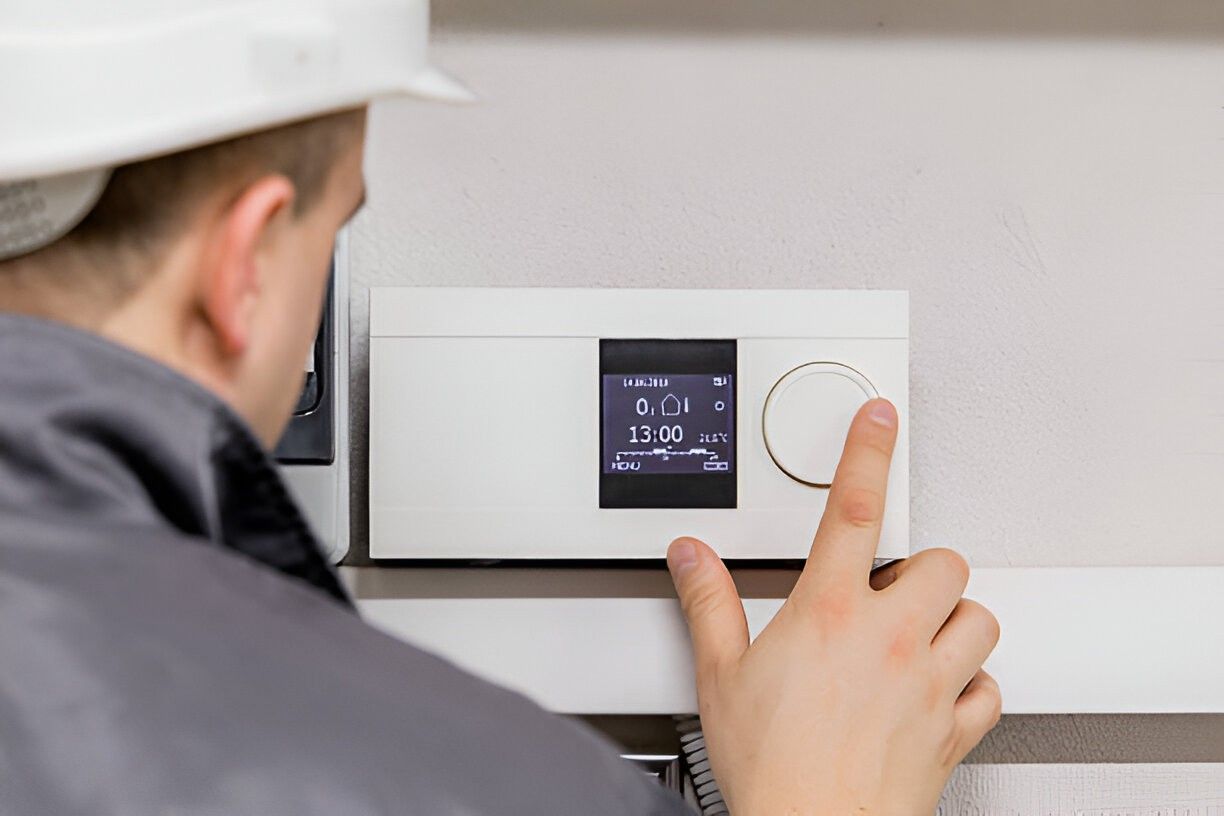
Common smart thermostat issues in San Bruno and what they mean
- Connectivity problems with Wi-Fi or hub
Smart thermostats rely on stable home networks. Intermittent connectivity, frequent drops, or failure to pair with Alexa/Google Home are usually due to weak Wi-Fi signals, router settings, or cloud service outages. - Firmware or software update failures
Updates can fail or leave the unit unresponsive. Corrupted firmware can cause unexpected behavior, scheduling loss, or reboots. - Sensor failures and inaccurate temperature readings
Built-in sensors can drift, get blocked by furniture, or fail, causing uneven comfort or short cycling of HVAC equipment. - Blank or unresponsive display
Touchscreens and displays may fail because of power issues, battery leaks, or internal component faults. - Compatibility and wiring mismatches
Older HVAC systems or nonstandard wiring (no common C wire) can prevent modern smart thermostats from powering or communicating properly. - Data loss, migration and account issues
Problems migrating schedules, saved settings, or connecting a thermostat to a new account occur when accounts aren’t linked, or cloud sync fails. - Intermittent control of multi-zone or zoning equipment
Complex zoning or multiple thermostats require coordinated communication; misconfiguration or control board faults can break synchronization.
In San Bruno, local factors such as coastal humidity, salt air corrosion, and older retrofit installations create unique stresses on thermostat electronics and wiring. These conditions increase the likelihood of sensor drift and connector corrosion compared with drier inland areas.
How smart thermostat diagnosis typically works
Diagnostics follow a methodical, low-risk process to identify root causes before replacing parts:
- Visual and power inspection — check display, batteries, wiring terminals, and nearby HVAC control board for obvious damage or loose connections.
- Network and account checks — verify the thermostat is on the correct SSID, inspect router compatibility and firewall settings, and confirm manufacturer cloud service status.
- Firmware and software assessment — review current firmware, attempt controlled update or rollback if safe, and check for known software bugs.
- Sensor verification — compare thermostat readings to a calibrated thermometer and test sensor responses during a controlled HVAC cycle.
- Wiring and compatibility testing — confirm presence of a C wire, inspect for corrosion from salt air, and test control signals at the air handler.
- Functional testing — run heating and cooling cycles, schedule events, and observe behavior under typical usage scenarios.
This step-by-step approach helps avoid unnecessary replacement and preserves user data when possible.
Repairs, firmware updates and data migration explained
- Firmware and software fixes
Minor bugs and connectivity issues are often resolved by updating or reinstalling firmware, clearing cached settings, or re-linking accounts. Proper steps protect schedules and preferences during the process. - Sensor or display repair
Sensors can sometimes be cleaned, recalibrated, or replaced. Displays and touchscreens may require component-level repair or full module replacement depending on availability. - Wiring repairs and C wire solutions
Faulty or corroded wiring terminals are repaired or reterminated. Where no C wire exists, solutions include installing a C wire adapter, adding a C wire, or using power-extender kits that work with specific thermostat models. - Data migration and factory reset procedures
When transferring a thermostat to a new account or after a reset, technicians follow manufacturer procedures to back up schedules and restore them where supported. If a full reset is required, technicians will document settings to re-create user preferences.
Technicians prioritize fixes that preserve user data and schedules. If a reset is unavoidable, clear communication about what will be lost or recovered is part of the service.
Compatibility checks and when replacement is the better choice
Repair is often the right call, but replacement makes sense in these scenarios:
- The thermostat model is no longer supported by the manufacturer or lacks critical security updates.
- Repeated hardware failures or signs of internal corrosion indicate end-of-life.
- Your HVAC system needs modern communication features (modulating heat pumps, communicating furnaces) that your current thermostat cannot support.
- Cost to repair approaches the cost or value of a current smart thermostat with better reliability and features.
- You want an upgrade to improve energy tracking, zoning control, or integration with newer smart home ecosystems.
When replacement is recommended, compatibility checks ensure the new device can power correctly and support all HVAC functions in your San Bruno home.
Service timing and typical cost considerations
Timeframes
- Simple connectivity and firmware fixes: typically 30 to 90 minutes.
- Sensor, display or wiring repairs: 1 to 3 hours depending on access and parts.
- Full replacement and system integration with zoning or multi-stage HVAC: 1.5 to 4 hours.
- Local factors such as multi-unit wiring complexity or corroded connectors may extend time.
Cost factors
- Estimates depend on parts required, thermostat model compatibility, labor complexity, travel and dispatch times, and whether account migration or complex wiring is involved. Emergency or after-hours service can affect availability and pricing structures. Clear upfront explanations of parts versus labor help you understand cost drivers.
Benefits of prompt repair and ongoing care
Repairing smart thermostat issues quickly preserves comfort, maintains energy savings, and prevents unnecessary strain on HVAC equipment. Keeping firmware current and wiring in good condition reduces unpredictable behavior and extends the useful life of both the thermostat and the heating or cooling system. For San Bruno homes, addressing corrosion and humidity-related wear early avoids more expensive control-board or equipment issues later.
Smart thermostat care tips for San Bruno homes
- Place thermostats away from direct sunlight, drafts, and exterior walls to avoid false readings.
- Keep Wi-Fi equipment updated and positioned to provide a strong signal to the thermostat; consider a mesh network for older homes.
- Inspect wiring terminals periodically for signs of corrosion, especially in coastal environments, and keep battery compartments clean.
- Schedule firmware checks seasonally to ensure security patches and performance improvements are applied safely.
- Back up schedules and account credentials so data migration or device replacement is smoother.
Timely diagnosis and an informed decision between repair and replacement protect comfort and control in San Bruno homes, while reducing long-term costs and improving system reliability.
Service Areas

